Sharing dashboards
Share your dashboards with team members and stakeholders using shareable links, embeds, or file exports. You can also manage permissions to control who can view or edit a dashboard. Kibana provides multiple sharing options to fit different collaboration needs, from quick URL sharing to exporting complete dashboard configurations for migration between environments. To share a dashboard with a larger audience, click Share in the toolbar.
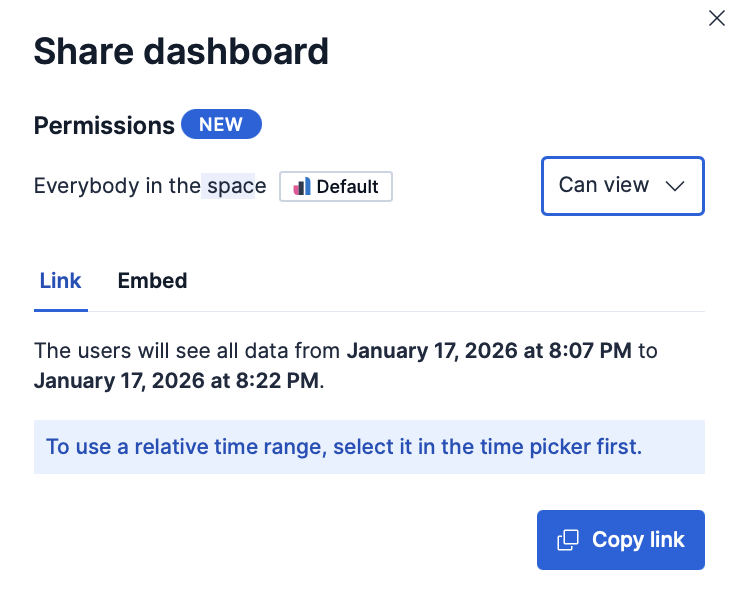
From the icon , you can set whether other users in the space can edit or view a dashboard you own:
- Can edit: Everybody in the space can edit, delete, and fully manage the dashboard.
- Can view: Everybody in the space can view the dashboard, but cannot edit or delete it. They can duplicate it. This read-only setting can be changed at any time by the dashboard owner or a Kibana administrator.
By default, the dashboard owner is the dashboard creator. This cannot be changed and is not currently visible in the UI. However, in some cases the creator and owner can be different users. For example, if user A creates a dashboard and user B exports and re-imports it in the same space (overwriting the existing dashboard), the creator becomes user B while user A remains the owner.
Kibana administrators always have write access to all dashboards.
For detailed information about the sharing options and time ranges, refer to Reporting and sharing.
When sharing a dashboard with a link while a panel is in maximized view, the generated link will also open the dashboard on the same maximized panel view.
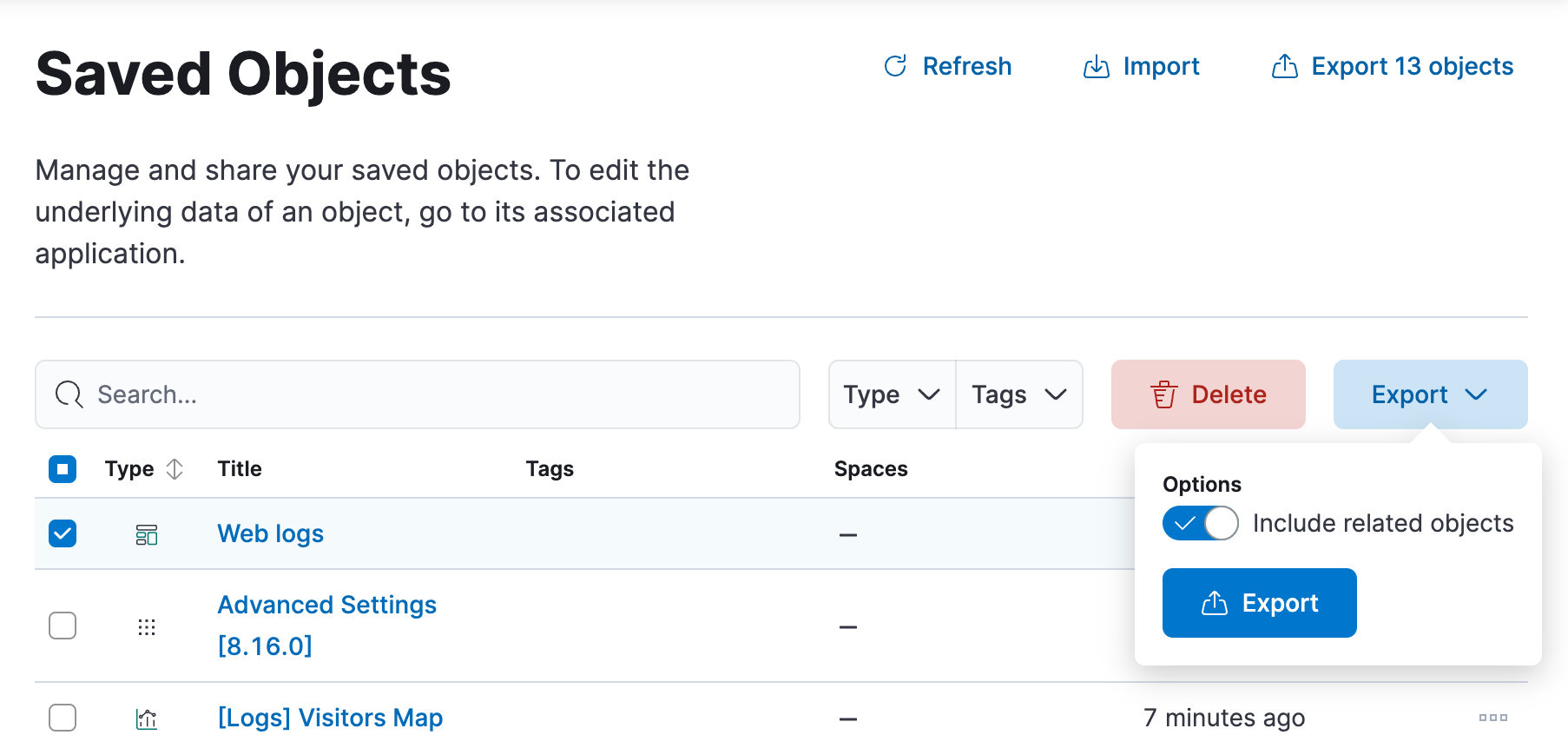
Export dashboards as NDJSON files to migrate them to other Kibana instances, back them up, or share them with other teams. You can export dashboards from Stack Management > Saved Objects. To configure and start the export:
- Select the dashboard that you want, then click Export.
- Enable Include related objects if you want that objects associated to the selected dashboard, such as data views and visualizations, also get exported. This option is enabled by default and recommended if you plan to import that dashboard again in a different space or cluster.
- Select Export.
To automate Kibana, you can export dashboards as NDJSON using the Export saved objects API. It is important to export dashboards with all necessary references.