Cases for Elastic Security
Collect and share information about security issues by opening a case in Elastic Security. Cases allow you to track key investigation details, collect alerts in a central location, and more. The Elastic Security UI provides several ways to create and manage cases. Alternatively, you can use the cases API to perform the same tasks.
You can also send cases to these external systems by configuring external connectors:
- ServiceNow ITSM
- ServiceNow SecOps
- Jira (including Jira Service Desk)
- IBM Resilient
- Swimlane
- Webhook - Case Management
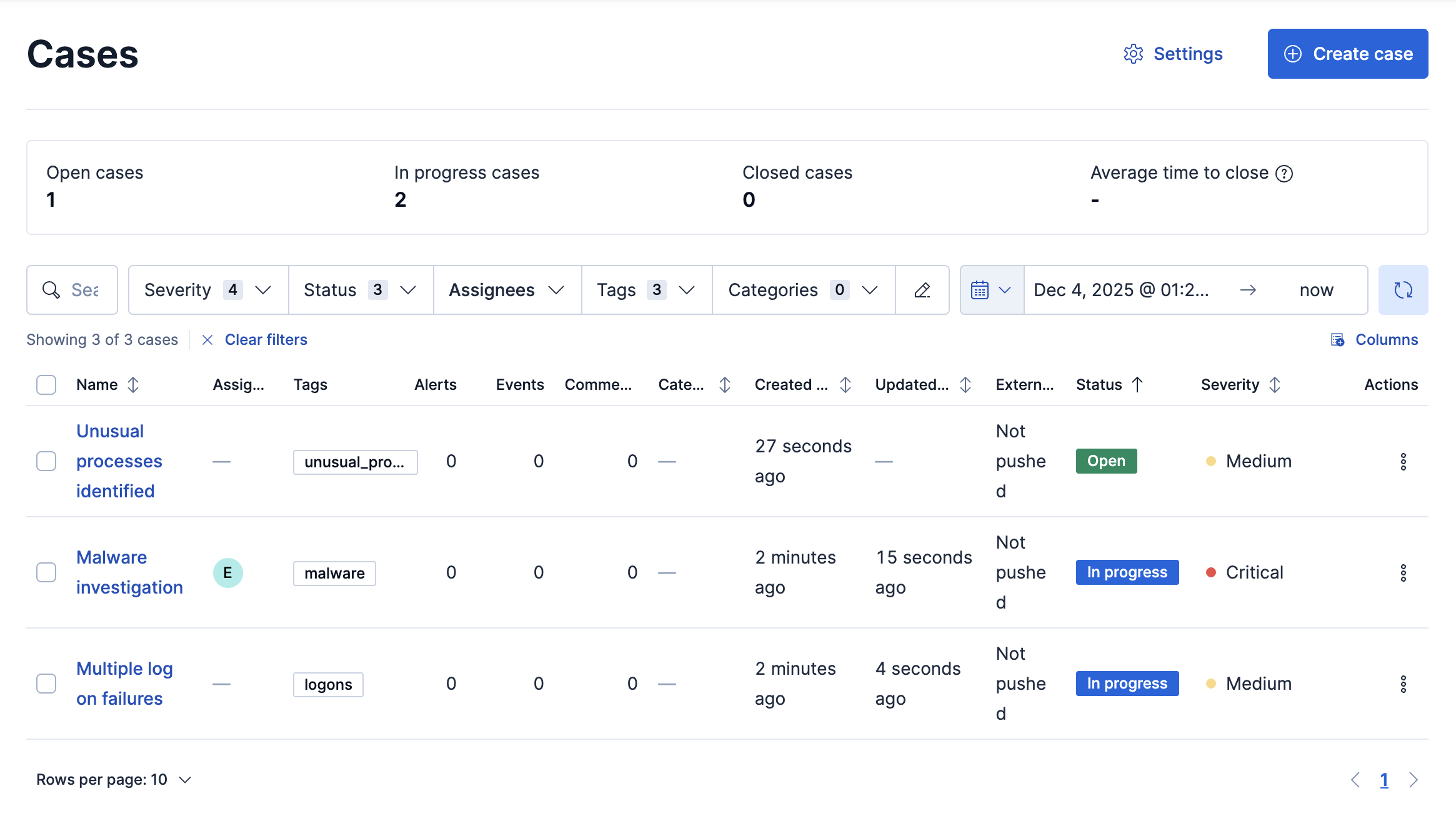
After creating cases, use case data to build dashboards and visualizations that provide insights into case trends and operational metrics. Refer to Cases as data to learn more.
- If you create cases in the Elastic Security app, they are not visible from Observability or Stack Management. Likewise, the cases you create in Stack Management are not visible in Elastic Security or Observability.
- You cannot attach alerts from the Observability or Stack Management to cases in Elastic Security.